Floral Line Art Flower SVG Elements-11: A Versatile Resource for Designers and Creators
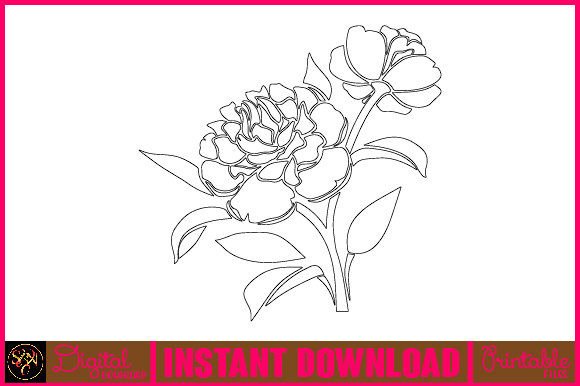
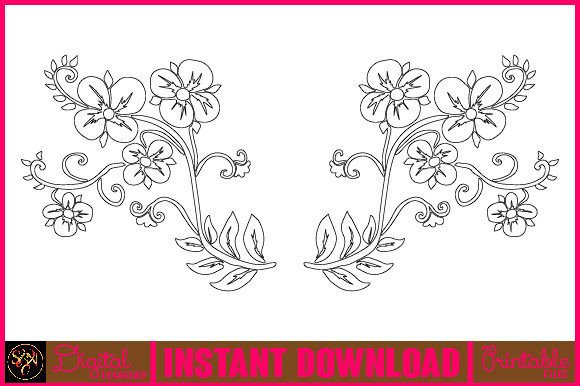
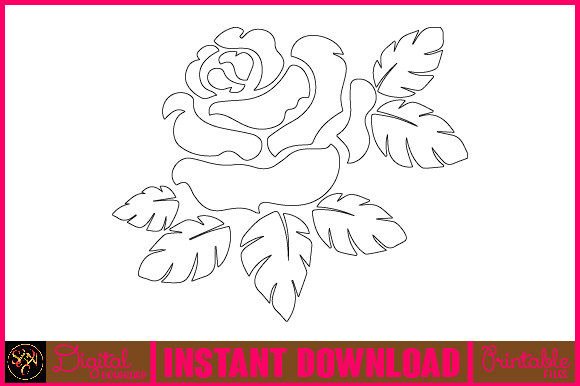
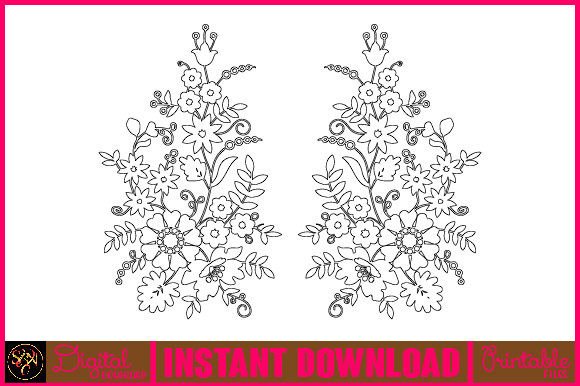
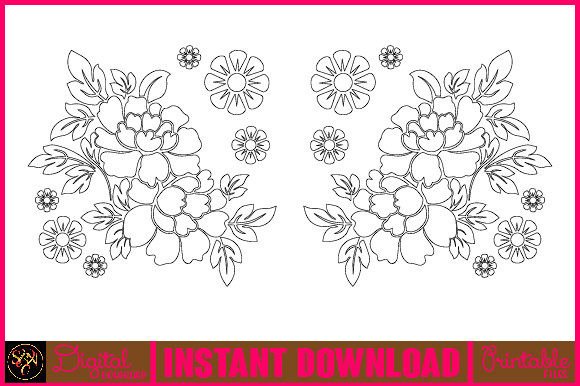
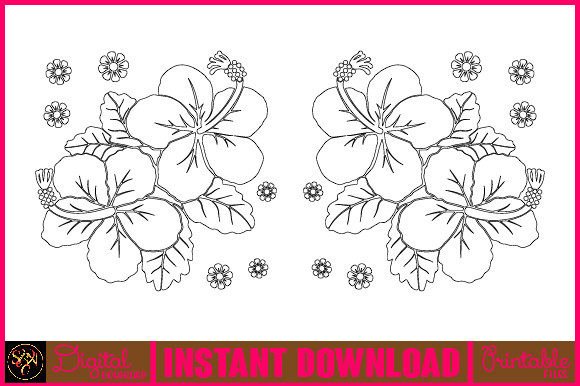
Floral Line Art Flower SVG Elements-11 is a comprehensive collection of hand-drawn floral illustrations, including flowers, leaves, branches, and other botanical elements. This set offers designers and creative professionals a curated library of scalable vector graphics (SVGs) that can be used in various digital and print projects. Whether you're creating wedding invitations, editorial content, branding materials, or educational resources, these elements provide the flexibility and quality needed to enhance your visual storytelling.
Understanding the Components of the Set
The Floral Line Art Flower SVG Elements-11 package includes multiple file formats such as AI (Adobe Illustrator), PNG, EPS, SVG, PDF, and JPEG, all compressed into a single ZIP file. This ensures compatibility with a wide range of design software and platforms, from graphic design tools like Illustrator and Inkscape to web-based applications that support SVG files.
Each element is crafted with attention to detail, featuring delicate strokes and organic shapes that mimic traditional hand-drawn art. The collection includes:
- Hand drawn floral wreaths
- Botanical leaf designs
- Flowers and plant sketches
- Curly grass and flower arrangements
- Vintage summer plants
- Decorative frames and calligraphic elements
This diversity allows for seamless integration into different project types, making it an ideal choice for anyone who values both aesthetic appeal and functional versatility.
Preparation Before Using the Set
Before incorporating Floral Line Art Flower SVG Elements-11 into your workflow, it's essential to plan how you'll use each component. Start by extracting the ZIP file using tools like WinZIP, WinRAR, or simply double-clicking on it if your operating system supports automatic extraction. Once extracted, organize the files based on their intended use—such as separating wreaths, individual flowers, and background elements into distinct folders.
Consider the design context in which you’ll apply these assets. Are they for print or digital media? Will they be layered over photographs or used as standalone illustrations? Answering these questions early will help you make better decisions about color schemes, placement, and overall composition when editing the SVGs.
Compatibility and Usability Across Platforms
One of the standout features of this set is its adaptability across different design environments. SVG files are particularly useful for web developers due to their scalability without loss of quality. They also allow for easy customization through CSS or JavaScript. For print work, EPS and PDF files maintain high resolution, ensuring professional-grade output.
If you’re using Adobe Illustrator, the AI files offer full editability, enabling you to adjust stroke weights, colors, and even individual paths. PNG files are great for quick drag-and-drop use in applications like Canva, Photoshop, or PowerPoint, while JPEG is suitable for simpler projects where transparency isn't required.
Integrating Into Creative Workflows
Designers often begin a project with a concept or mood board. Floral Line Art Flower SVG Elements-11 can serve as a foundational resource at this stage. Use the wreath or frame elements to outline the structure of your design. These can act as borders, headers, or decorative accents that tie the theme together.
During the execution phase, consider how to layer the elements. For example, place a hand-drawn branch behind a floral illustration to create depth. Or combine several smaller flowers into a cohesive bouquet for a more dynamic layout. Since these are line art elements, they work well with overlays, gradients, or textures to add dimension and personality.
Workflow Example: Wedding Invitation Design
Let’s walk through a real-world application. Suppose you're designing a wedding invitation with a vintage garden theme. You might start by selecting a floral wreath from the set to frame the main text area. Next, choose complementary elements like curly grass or small blossoms to fill in empty spaces around the invitation’s edges.
Once the layout is structured, switch to colorizing the design. If you're working in Adobe Illustrator, you can easily recolor the SVG elements using the Recolor Artwork tool. Alternatively, import them into Photoshop or Procreate and apply watercolor or pastel effects to match the desired aesthetic.
After finalizing the artwork, export the file in the appropriate format. For digital invites, SVG or PNG would be best. For printed programs or thank-you cards, ensure you're using high-resolution PDF or EPS versions to preserve clarity.
Collaboration and Project Handoffs
When working in teams or handing off designs to clients or printers, it's important to maintain consistency and usability. Including detailed notes about which elements were used from the Floral Line Art Flower SVG Elements-11 set can help others understand the design intent. Also, consider grouping related assets in your design software to simplify edits and revisions later on.
For instance, if you're collaborating with a copywriter, share the floral elements early so they can tailor the wording to fit within the visual space. Similarly, when presenting to a client, explain the symbolism behind certain botanical choices—like lavender for calmness or roses for love—to align the design with the message.
Long-Term Use and Organization
Organizing your SVG collection is key to long-term usability. Create a naming convention that reflects the type of element (e.g., "wreath_flower_set_01" or "branch_leaf_combo_02") and store them in a dedicated folder. This makes it easier to locate specific assets during future projects.
Consider converting frequently used combinations into custom templates. For example, if you regularly create greeting cards with a floral border and central illustration, save that layout as a reusable template. This not only speeds up your workflow but also maintains brand consistency across different outputs.
Quality Control and Customization Tips
To maintain quality control, always check the resolution and alignment of imported SVGs. If you're scaling elements significantly, confirm that the lines remain crisp and clean. Avoid excessive clipping or distortion that could compromise the integrity of the hand-drawn style.
Customization doesn’t have to be complex. Experiment with simple changes like adjusting the stroke color to match your brand palette or adding subtle shadows to give the elements a more dimensional look. Remember, these SVGs are designed to be adaptable, so don’t hesitate to modify them creatively to suit your needs.
Use Cases Beyond Graphic Design
While the primary use of Floral Line Art Flower SVG Elements-11 lies in graphic design, its applications extend beyond that. Educators can use the botanical illustrations to create engaging biology or art history presentations. Bloggers might incorporate the images into headers or infographics to break up text and highlight key points.
Entrepreneurs looking to build a nature-themed product line can leverage these elements for packaging, labels, and marketing collateral. Marketers may find them useful in crafting social media posts or email campaigns that evoke warmth and elegance. Even freelancers and publishers can benefit from using these assets to enrich newsletters, e-books, or magazine layouts.
Efficiency in Repetitive Tasks
Many creative workflows involve repetitive tasks, such as designing multiple variations of a postcard series or updating website banners seasonally. With this SVG set, you can streamline such processes by reusing core elements across different projects. For example, a single floral wreath can be adapted for spring, summer, and fall themes simply by changing the color scheme or adding seasonal symbols like pumpkins or snowflakes.
Automate some aspects using tools like Adobe Illustrator scripts or online SVG editors that allow batch processing. This reduces manual effort and ensures uniformity across large-scale projects.
Practical Observations and Best Practices
Here are a few practical observations based on common usage patterns:
- Start with a clear vision: Define the purpose of your design before selecting elements from the set. This helps avoid unnecessary complexity and keeps the visuals aligned with your goals.
- Balance is key: Don’t overcrowd your design with too many floral elements. Use spacing and hierarchy to guide the viewer’s eye naturally through the layout.
- Test on multiple devices: If you're designing for digital use, preview the SVGs on different screens to ensure they scale correctly and retain their visual impact.
- Stay updated: Keep track of any new additions to the SVG set or updates to compatible software. This ensures you’re always leveraging the latest tools and assets available.
Conclusion
Floral Line Art Flower SVG Elements-11 is more than just a collection of beautiful illustrations—it's a valuable asset in any creator’s toolkit. Its combination of hand-drawn charm and technical precision makes it suitable for a wide array of applications. By integrating these elements thoughtfully into your workflow, you can elevate your projects with consistent, high-quality visuals that resonate with your audience.
Whether you're planning a special event, launching a product, or simply enhancing your personal portfolio, these SVGs offer a reliable and stylish way to bring botanical beauty to your work. With proper organization, smart implementation, and a focus on usability, you’ll find yourself reaching for this set again and again in your creative endeavors.